
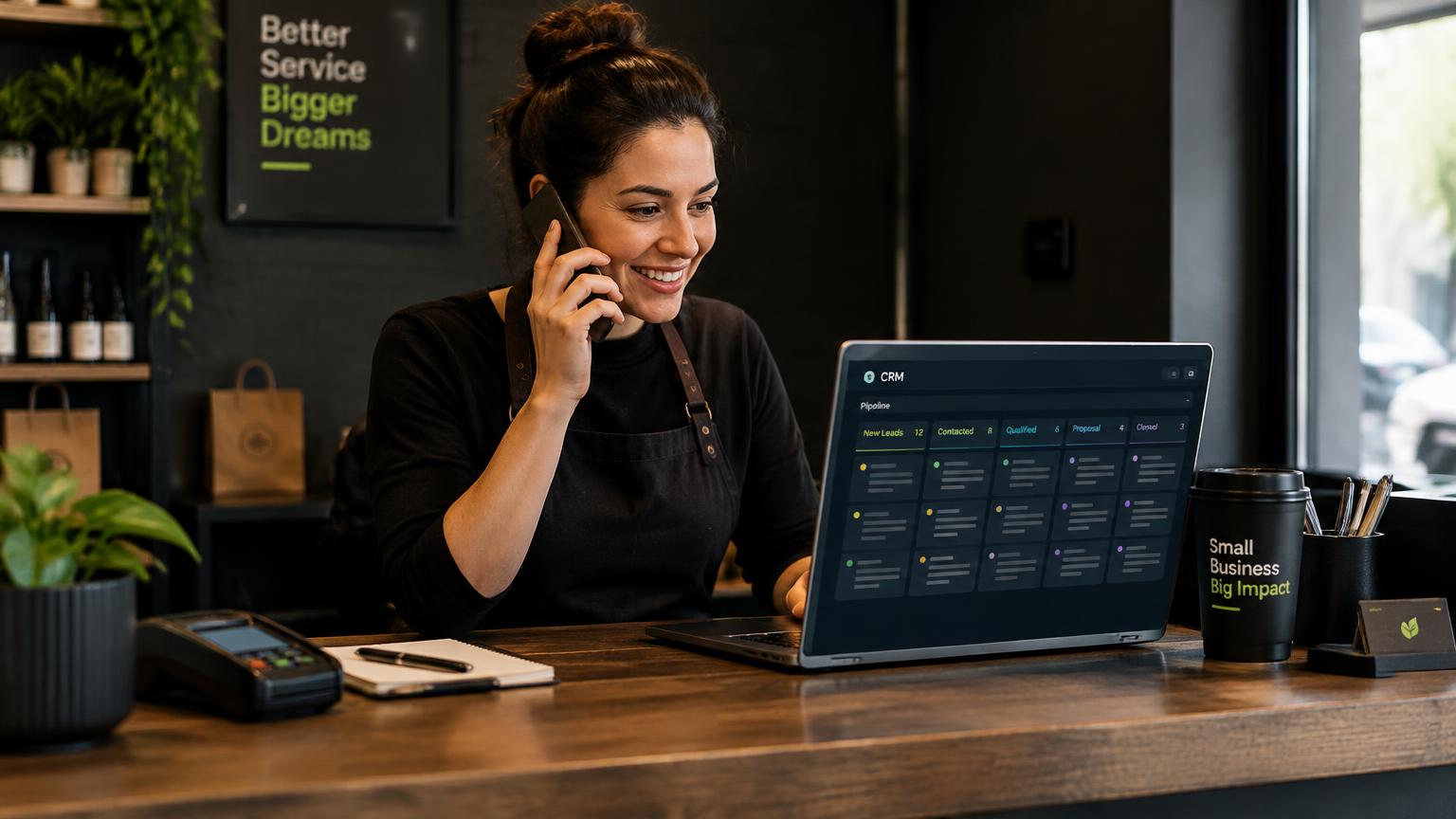
When someone fills in a form, they're often contacting several businesses at once. The one that responds first, clearly and helpfully, frequently wins the job.
You can't always call within minutes. But you can automate the first five minutes so no enquiry sits unanswered.
Instant acknowledgement
An immediate SMS or email confirms the request and sets expectations while your team prepares a call. It should come from a named person, say when they'll be in touch and offer a way to book directly.
Alert the right person
Route new enquiries to whoever can act on them, by service, location or time of day, through a notification they'll actually see: a text, a team chat message or a mobile app alert.

Offer self-booking
A calendar link in the first message lets ready-to-go customers book a call or visit without waiting. Many will take it.
Plan the follow-up when nobody answers
Not every lead picks up on the first call. A simple sequence over the next few days keeps you in the conversation without being pushy.
- Minute 0: automatic text and email confirmation
- Within the hour: first call attempt
- Day 1: second call and a helpful follow-up email
- Day 3: short check-in text
- Day 7: final email with an easy way to reply
Key takeaways
- →Send an instant, personal acknowledgement
- →Route alerts to whoever can act
- →Include a self-booking link
- →Use a short multi-day follow-up sequence
Common questions
Do automated texts feel impersonal?+
Not if they're written in a natural voice from a named person and followed by a real call.
What tools do we need?+
Most CRMs and form tools can do this. Zapier or Make can connect them if they don't integrate directly.
Do we need consent to text leads?+
Rules vary by country and state. Collect clear consent on your form and include opt-out instructions.